Setting Up Your Studio
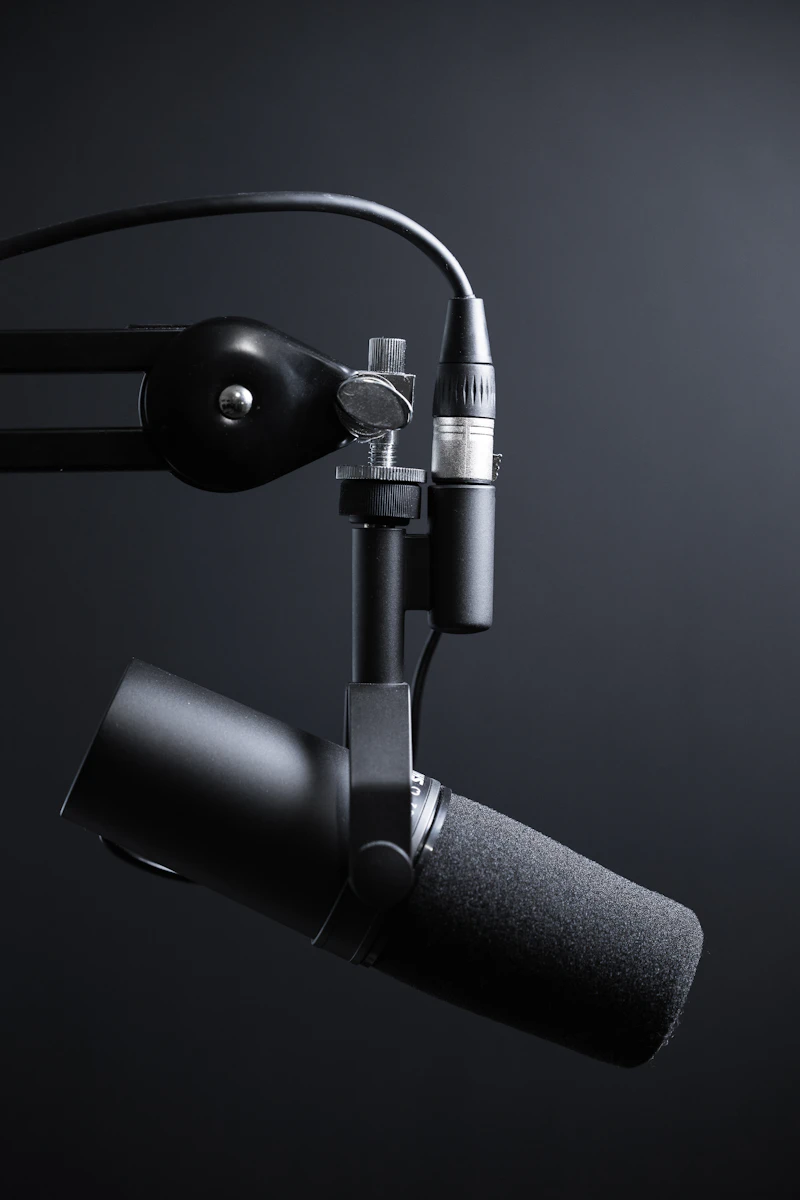
TalkLink makes it incredibly simple to get a local recording without massive downloads. First, open a room and test your audio levels. Ensure you've selected your highest-quality microphone as the input device.
Choosing the Right Resolution
If your machine can handle it, select the 4K recording option. This ensures the raw video composited on your local machine is pristine. Keep in mind that recording locally is memory-intensive: you'll need the right hardware to support longer sessions.
The 'Record Locally' Workflow
As soon as you click "Start Recording," our compositor begins saving data via the MediaRecorder API directly into your browser's RAM. Make sure you always click "Stop Recording" and download your file before closing the tab. Since we have zero cloud storage, closing the tab too early means losing your session!